Install
Download Rounds or install it with Homebrew, start it, and connect Claude Code and Codex.
Requirements
- macOS 27 on a Mac with Apple silicon.
- At least one source: Claude Code in the Claude desktop app (the Code tab), Codex, or herdr. Rounds does not read Claude Code sessions started in a terminal, except inside herdr.
Download
Download Rounds.dmg, the latest release. Open it and drag Rounds to Applications. Each release, with its notes, is on the releases page.
Homebrew
brew trust --tap henryqw/tap && brew install --cask henryqw/tap/roundsHomebrew loads a cask from a tap that is not official only after you trust the tap. The first part of the command does that. brew upgrade --cask rounds installs a new release.
Build from source
See Build from source.
Open Rounds the first time
Rounds has no Developer ID signature and Apple does not notarize it. So macOS blocks a downloaded copy at the first launch, with a message that it cannot check the app. Do one of these, after each download or upgrade:
- In Terminal, remove the quarantine flag that the download added:
xattr -dr com.apple.quarantine /Applications/Rounds.app- Or open Rounds one time, then go to System Settings > Privacy & Security, and click Open Anyway next to the message about Rounds.
A build from source has no quarantine flag, so it opens at once.
First launch
Open Rounds from /Applications. A pill shows at the right edge of your screen. Rounds has no Dock icon and no menu bar item.
Install the hooks
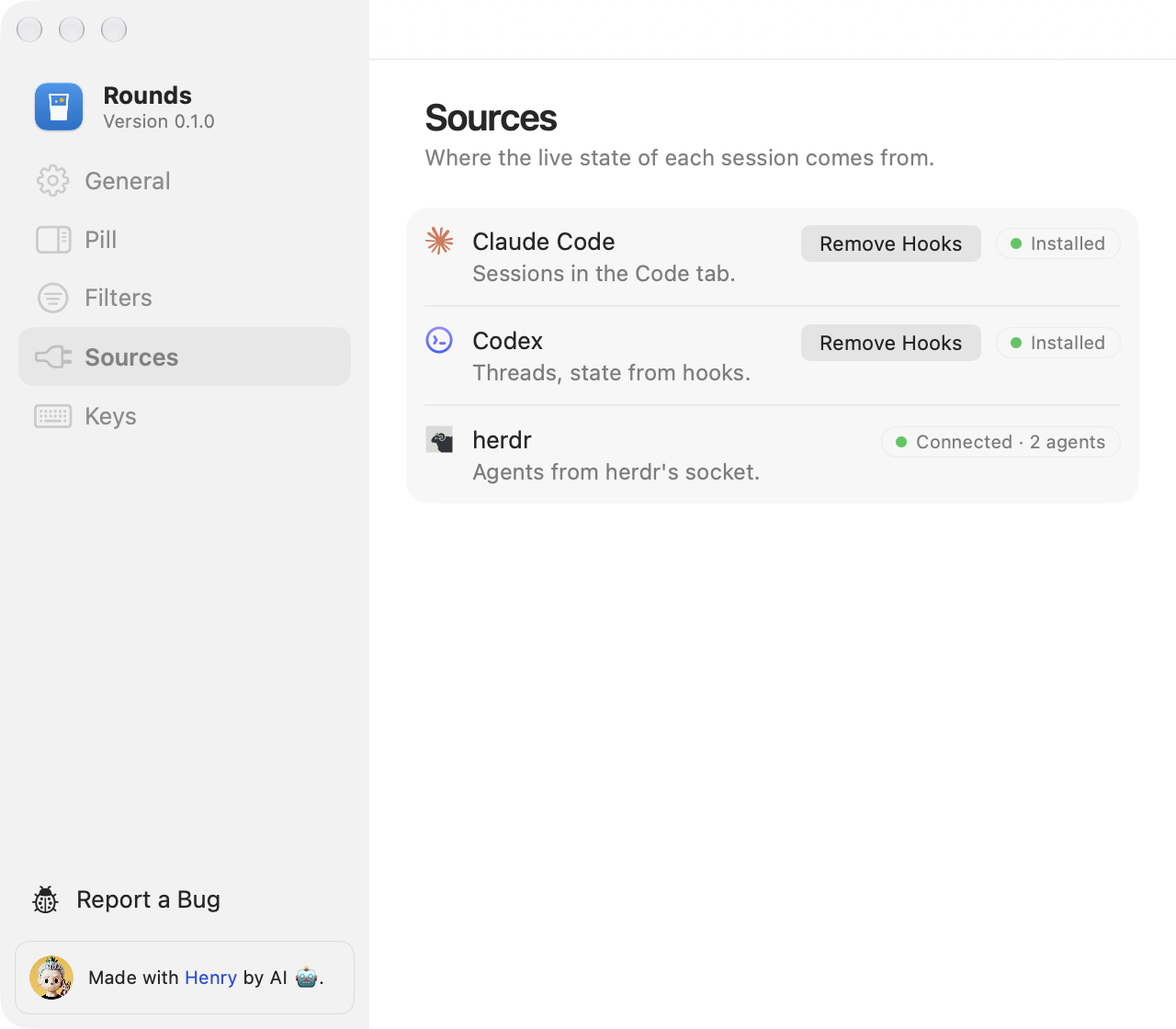
A hook is a command that Claude Code or Codex runs at each turn event. Rounds needs hooks to know the live state of those sessions.
- Right-click the pill and choose Settings, or press ⌘, in the session window.
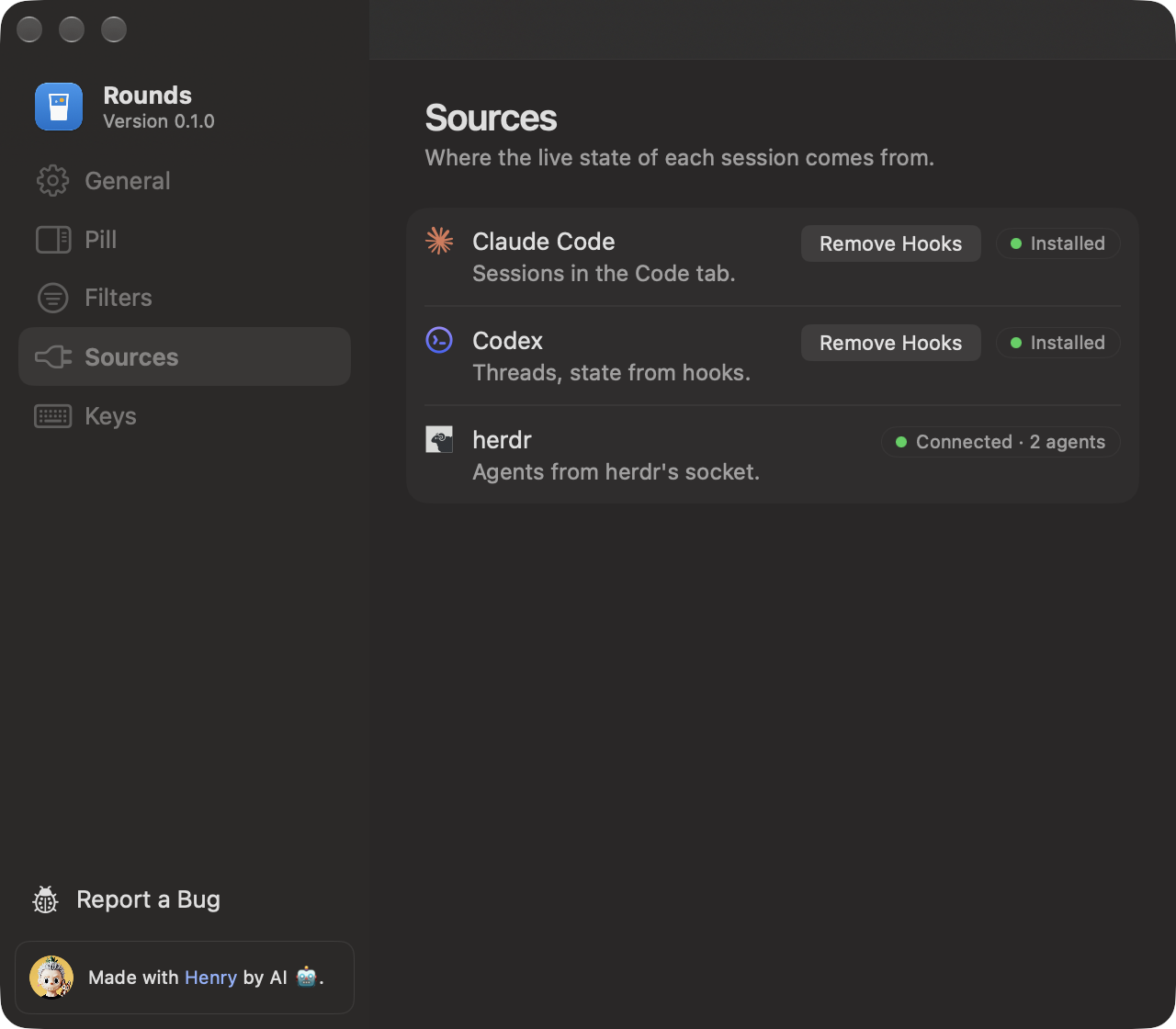
- Open the Sources page.
- In the Claude Code row and the Codex row, click Install Hooks.
- Check the entries in the preview, then confirm.
Rounds keeps a backup of each file it changes. herdr needs no hooks. Rounds connects to it while it runs.
After a rename or a move
If the Claude Code or Codex row says “Needs repair”, the hook command points to a path that is not valid now. Click Repair Hooks in that row.