---
title: Settings
description: The five pages of the Settings window.
---
Open Settings from the gear button in the session window, with ⌘, or from the pill's right-click menu.
## General
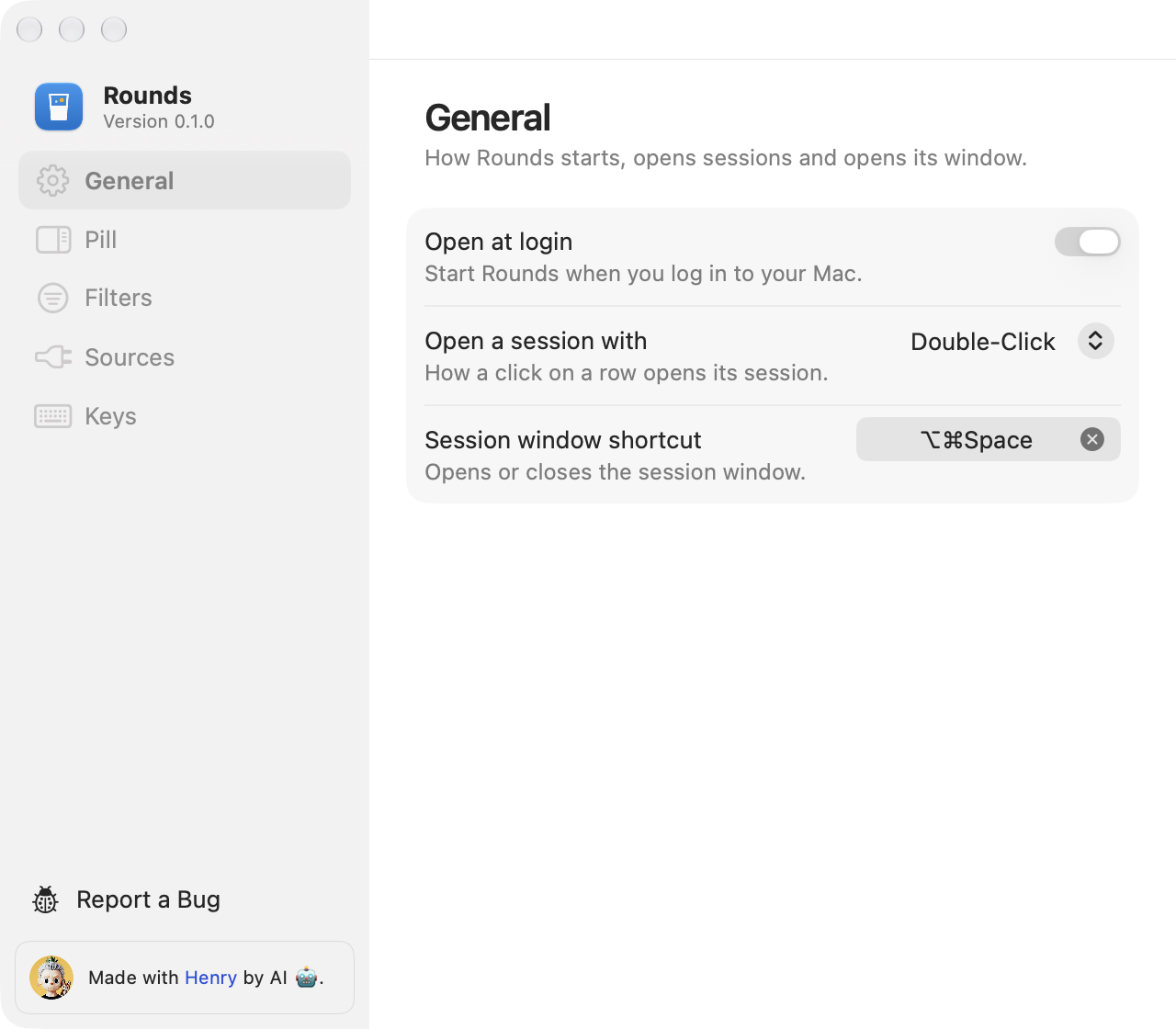
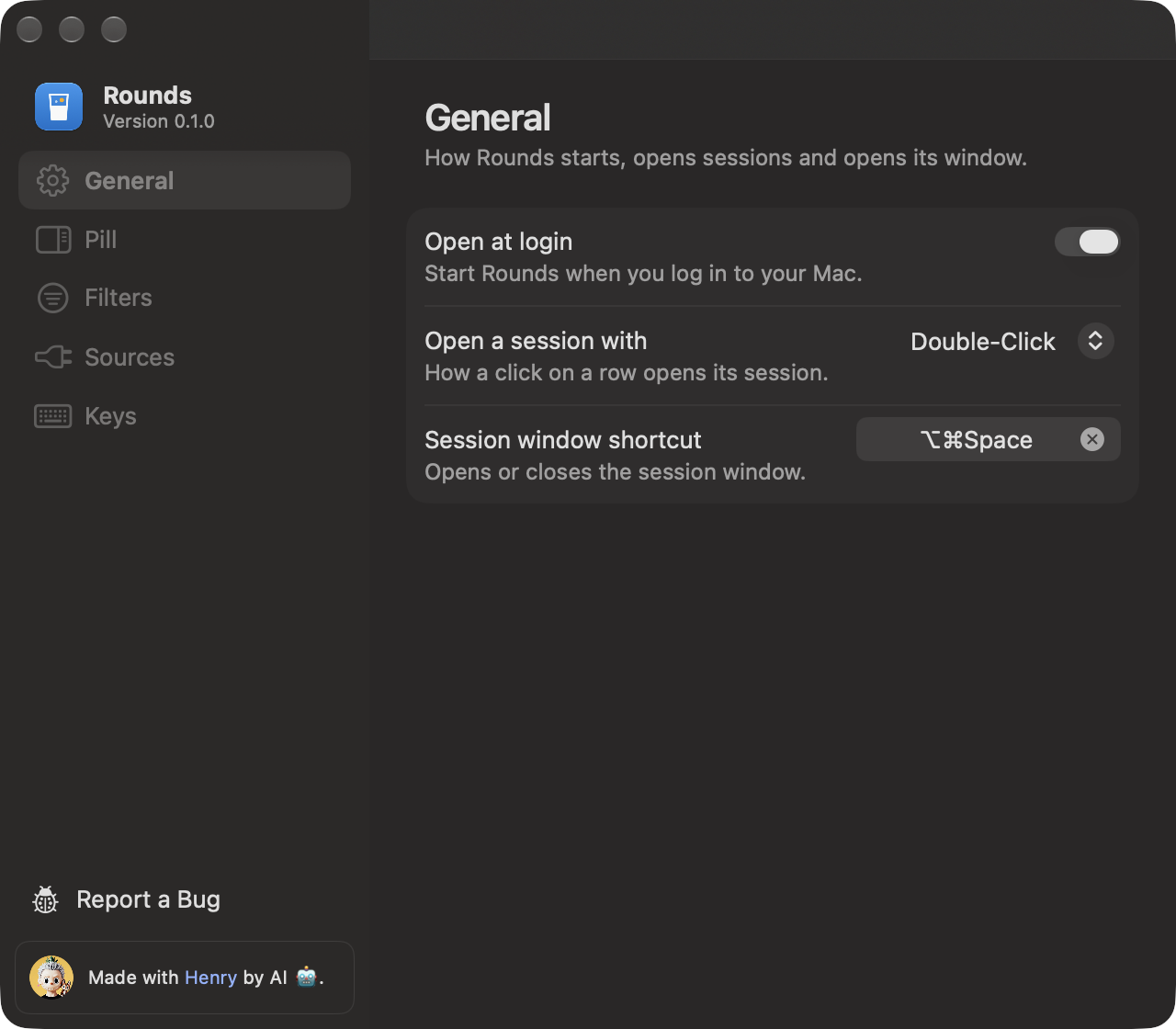
Open at login, the app that opens a session, and the session window shortcut. Click the shortcut field and press a combination with ⌘, ⌥ or ⌃. Press Delete to clear it.
 ## Pill
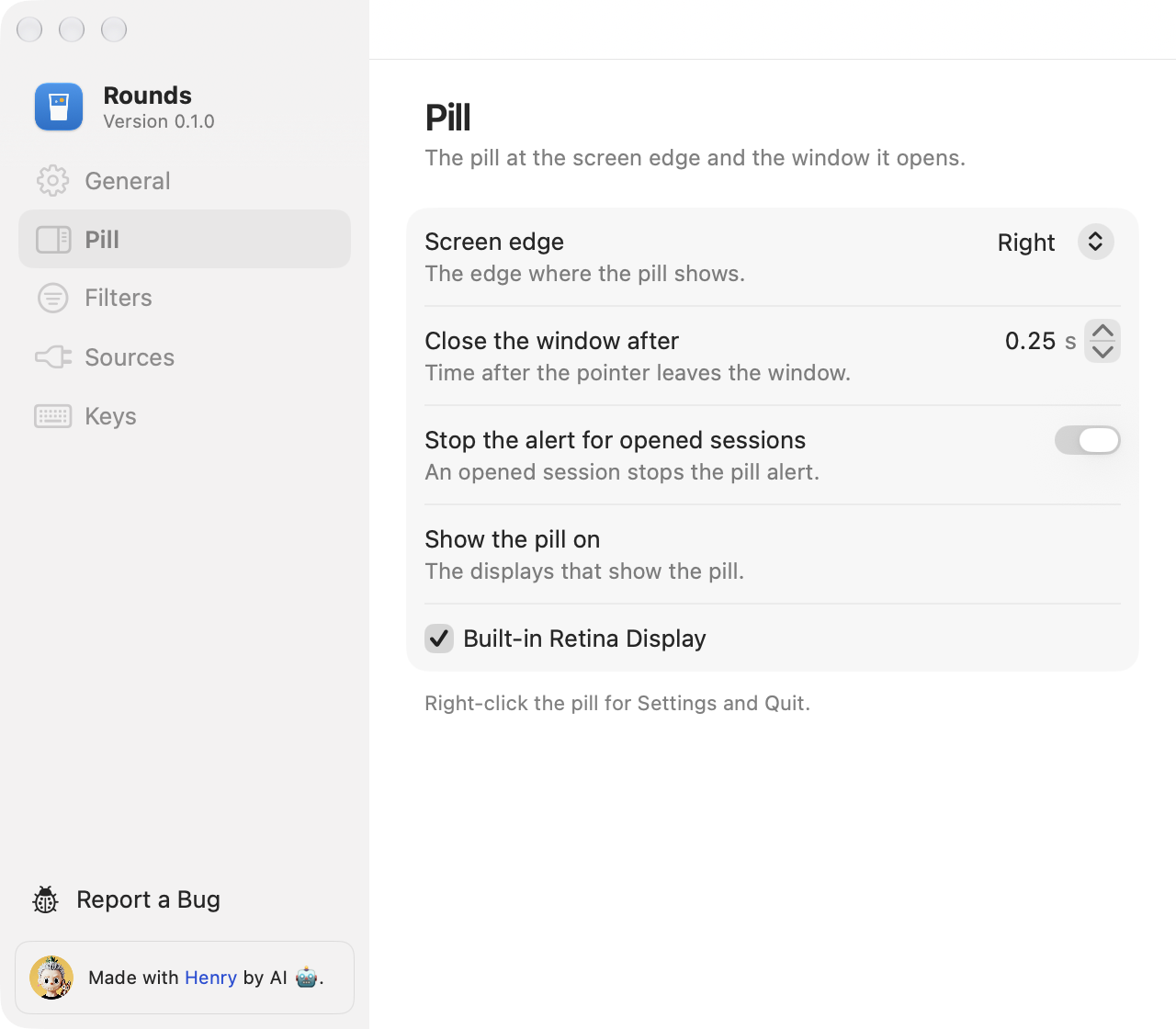
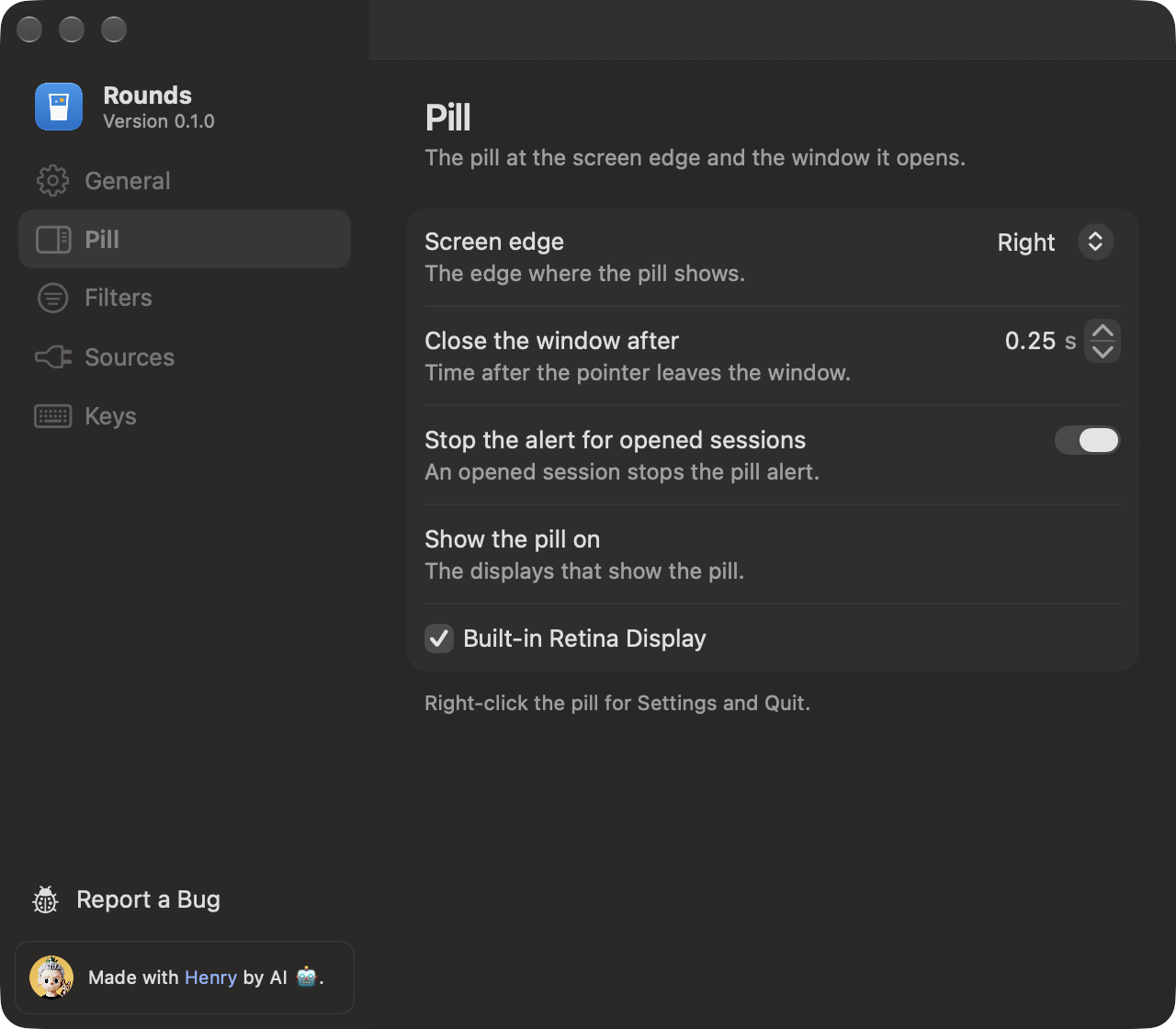
The screen edge, the time before the window closes after the pointer leaves, whether opened sessions stop the alert, and the displays that show the pill.
## Pill
The screen edge, the time before the window closes after the pointer leaves, whether opened sessions stop the alert, and the displays that show the pill.
 ## Filters
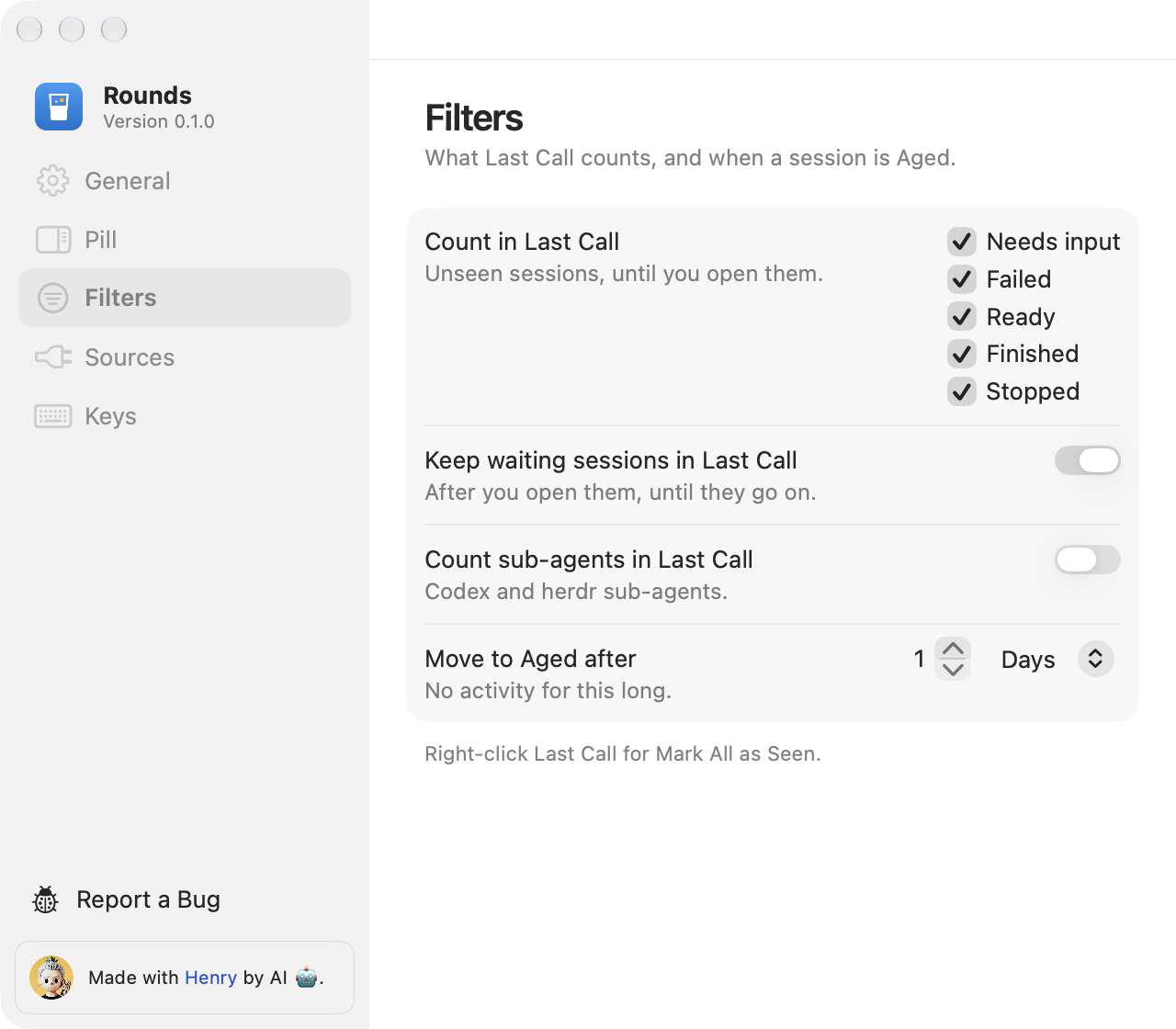
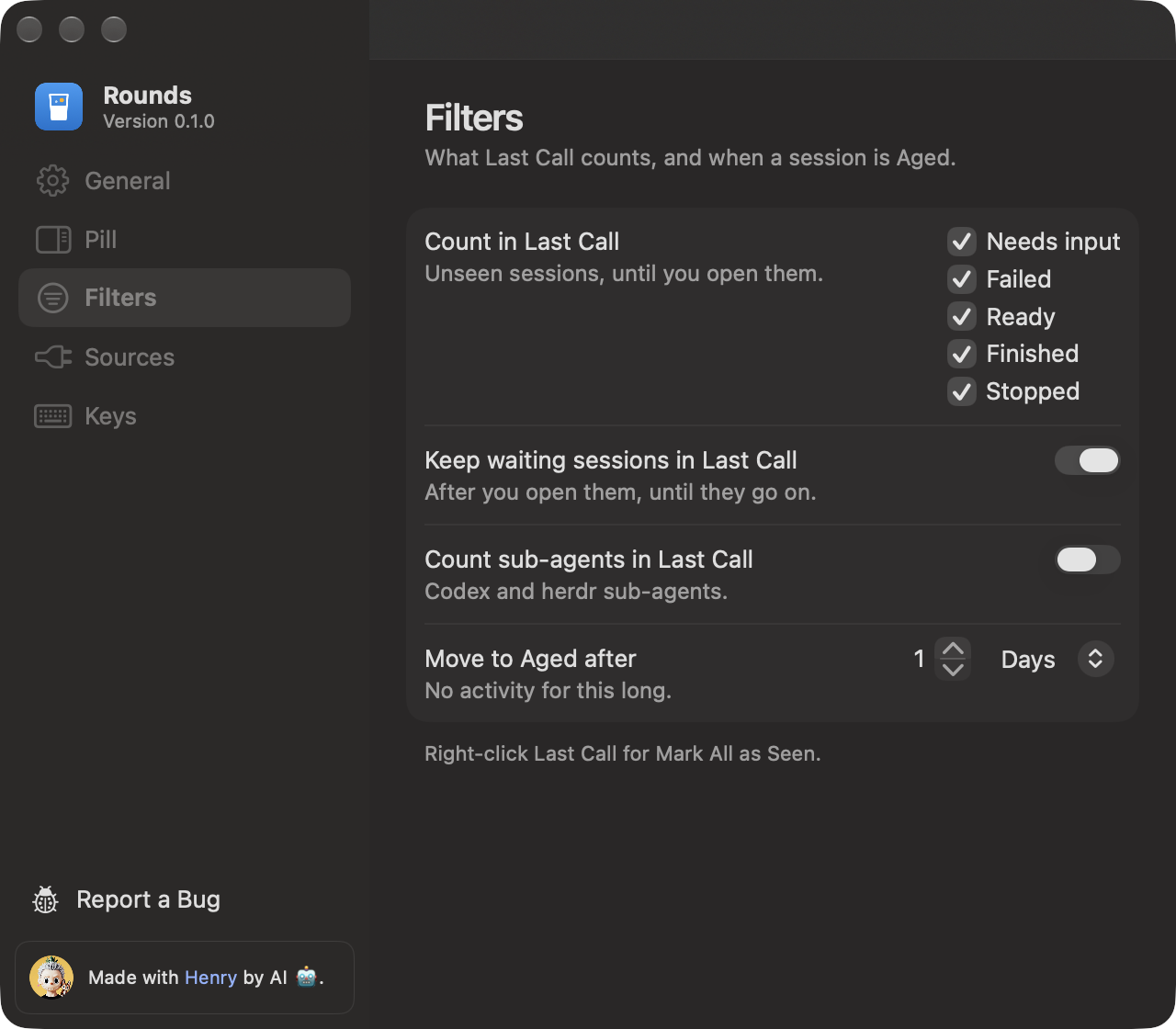
What Last Call counts and when a session is Aged. Last Call shows the sessions in the checked states that you have not seen, until you open them. Keep waiting sessions in Last Call keeps a session that needs input or failed after you open it, until the agent goes on. Count sub-agents in Last Call is off, because the agent that started a sub-agent asks you itself. Move to Aged after sets how long a quiet session stays out of Aged: 1 day by default, in hours or days.
## Filters
What Last Call counts and when a session is Aged. Last Call shows the sessions in the checked states that you have not seen, until you open them. Keep waiting sessions in Last Call keeps a session that needs input or failed after you open it, until the agent goes on. Count sub-agents in Last Call is off, because the agent that started a sub-agent asks you itself. Move to Aged after sets how long a quiet session stays out of Aged: 1 day by default, in hours or days.
 ## Sources
Hook status for Claude Code and Codex, with Install Hooks, Remove Hooks and Repair Hooks. It also shows the herdr connection. See [Sources](/sources).
## Keys
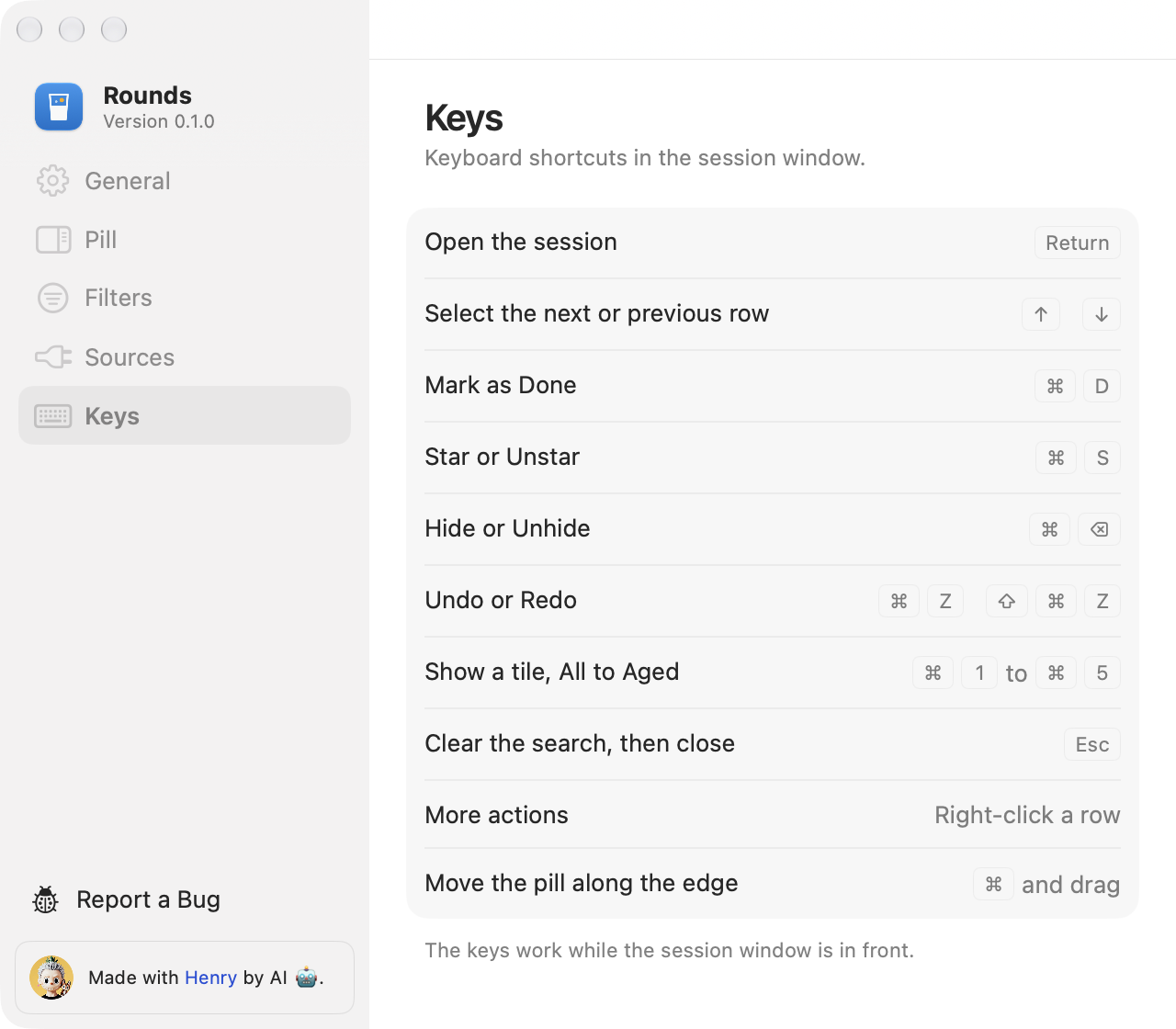
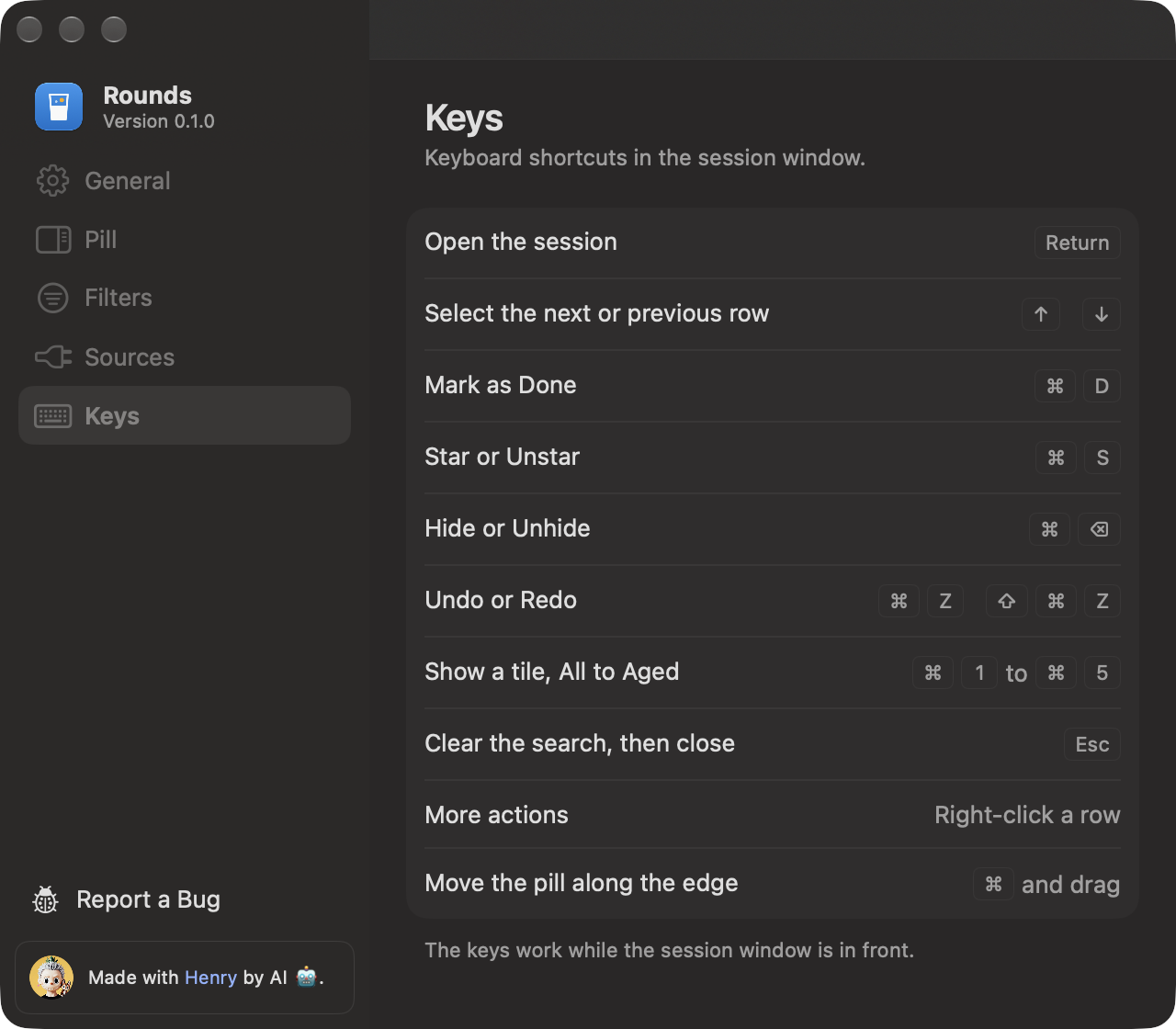
The cheatsheet of the session window keys. See [Keys](/keys).
## Sources
Hook status for Claude Code and Codex, with Install Hooks, Remove Hooks and Repair Hooks. It also shows the herdr connection. See [Sources](/sources).
## Keys
The cheatsheet of the session window keys. See [Keys](/keys).
 ## Report a Bug
At the foot of the sidebar, Report a Bug opens a prefilled GitHub issue page in your browser. It lists the Rounds version, macOS, and the versions of Claude, Codex and herdr. You read it and send it yourself.
## Report a Bug
At the foot of the sidebar, Report a Bug opens a prefilled GitHub issue page in your browser. It lists the Rounds version, macOS, and the versions of Claude, Codex and herdr. You read it and send it yourself.